 Skip to content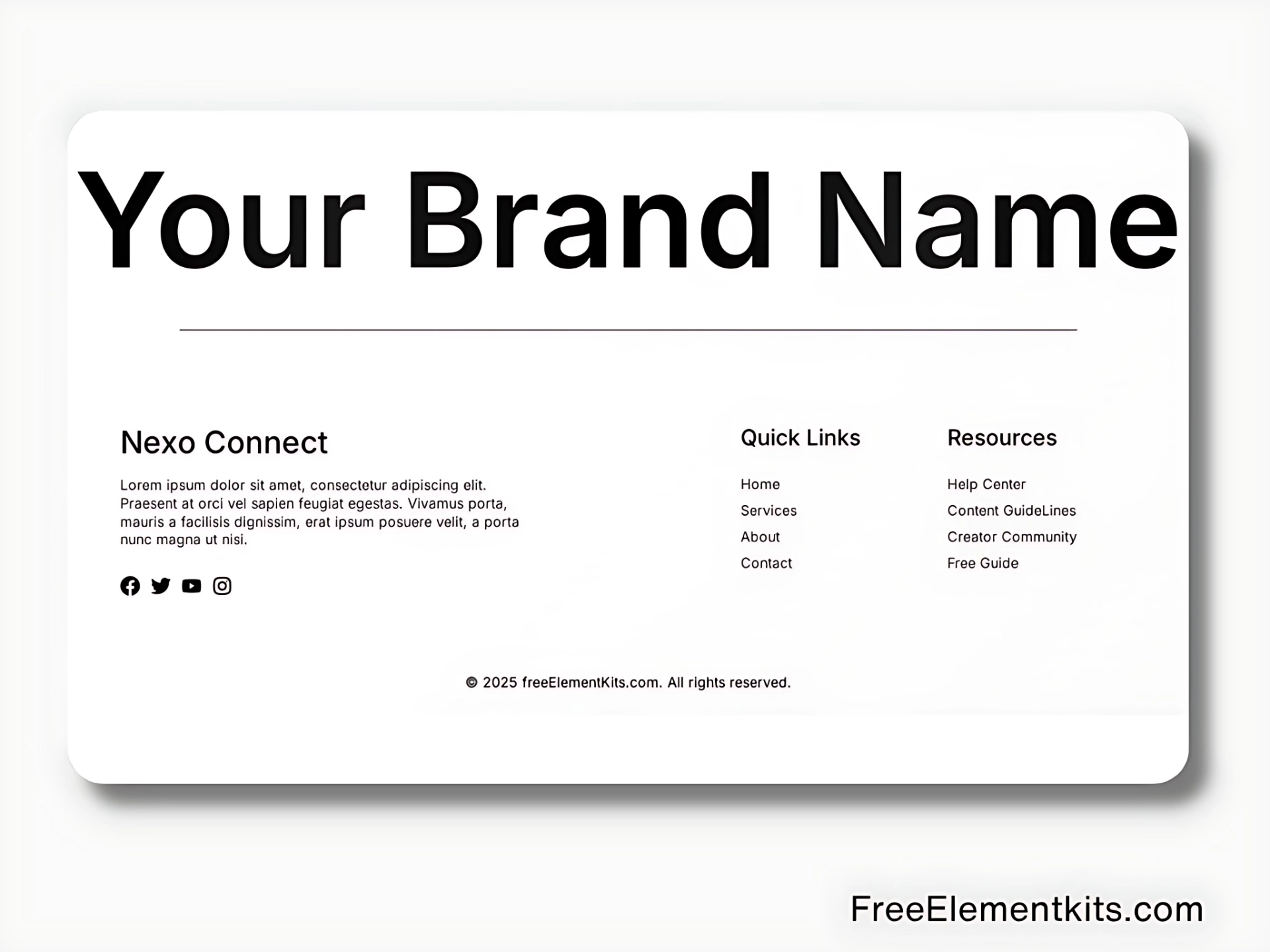
Free Elementor Light Footer Template for WordPress – Clean, White-Themed & Responsive
If you’re building a light or minimal WordPress site, this free Elementor footer template is the perfect match. Designed with a white-themed layout, it offers a clean, spacious feel—great for blogs, business websites, or portfolios.
The layout is built using simple Elementor blocks and sections, making it easy to import, customize, and launch without needing any advanced skills. It works seamlessly with the free version of Elementor and adapts beautifully to all screen sizes.
How to Use This Footer Template
Step 1: Get the Template
Click the “Get the Template” button to save the .json file to your device.
Step 2: Import Into Elementor
Open any page or the global footer with Elementor.
Click the folder icon → Choose “Import Template” → Select the file → Click “Insert” to add it to your layout.
Step 3: Customize the Footer
Change the links, background color, icons, and content to fit your site’s branding. This footer is fully responsive and looks great across mobile, tablet, and desktop screens.