 Skip to content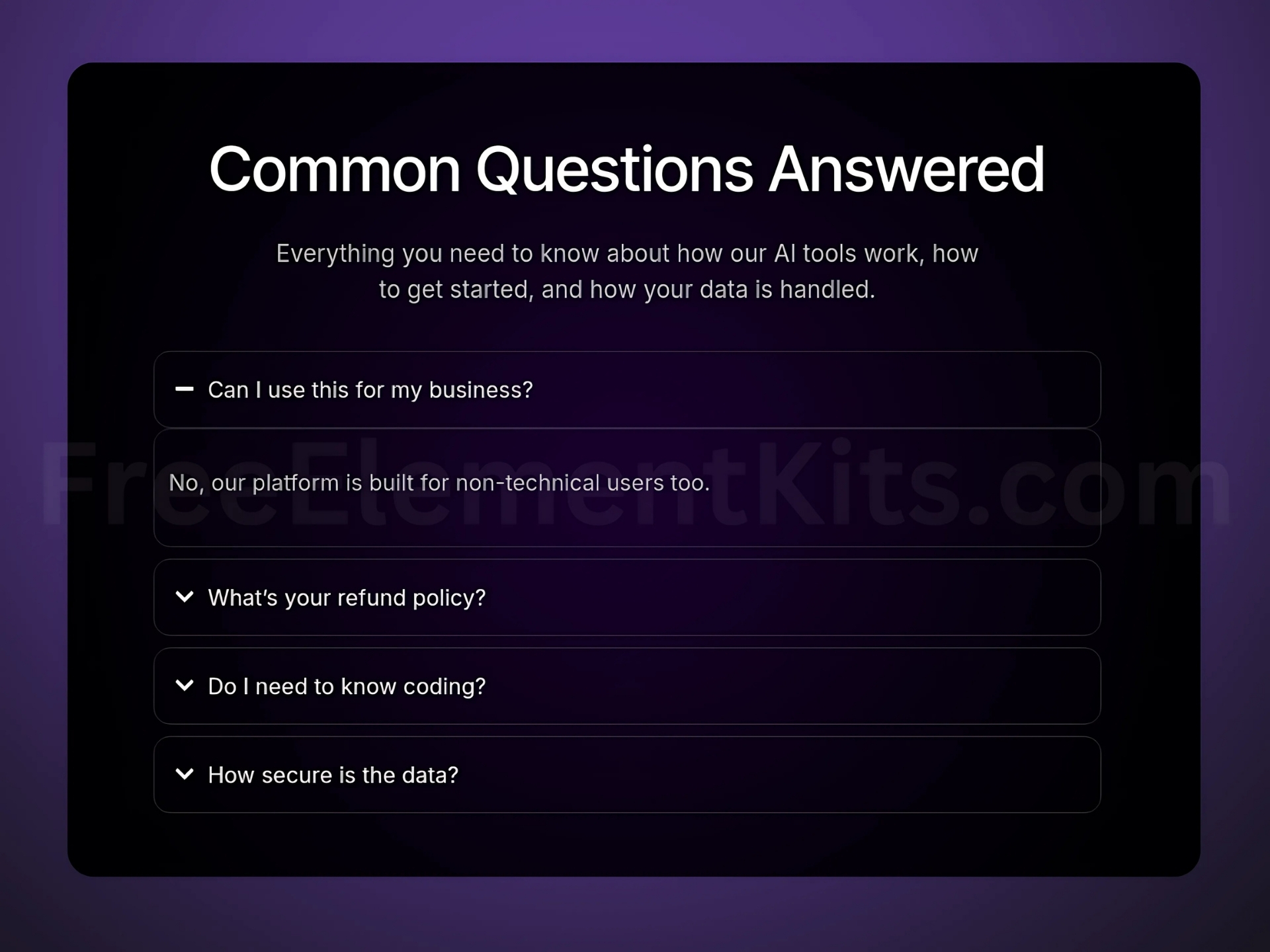
Dark FAQ Section Template for Elementor
This modern dark-themed FAQ section template is designed to make your website’s frequently asked questions stand out with style and clarity. Perfect for WordPress sites using Elementor, it blends a sleek layout with excellent readability, enhancing user experience while keeping your design consistent. Fully responsive and easy to customize, it’s ideal for businesses, portfolios, and blogs looking to add a polished FAQ section.
How to Use This Template
Click the “Get This Template” button on this page to access the ready-to-import Elementor JSON file. It’s lightweight, SEO-friendly, and fully editable using Elementor’s drag-and-drop builder.
How to Import the Template into Elementor
- Go to your WordPress dashboard and open the page you want to edit with Elementor.
- Click the folder icon to access the Templates Library.
- Select “Import Template” and upload the downloaded JSON file.
- Insert the template and customize it to match your site’s design and branding.