 Skip to content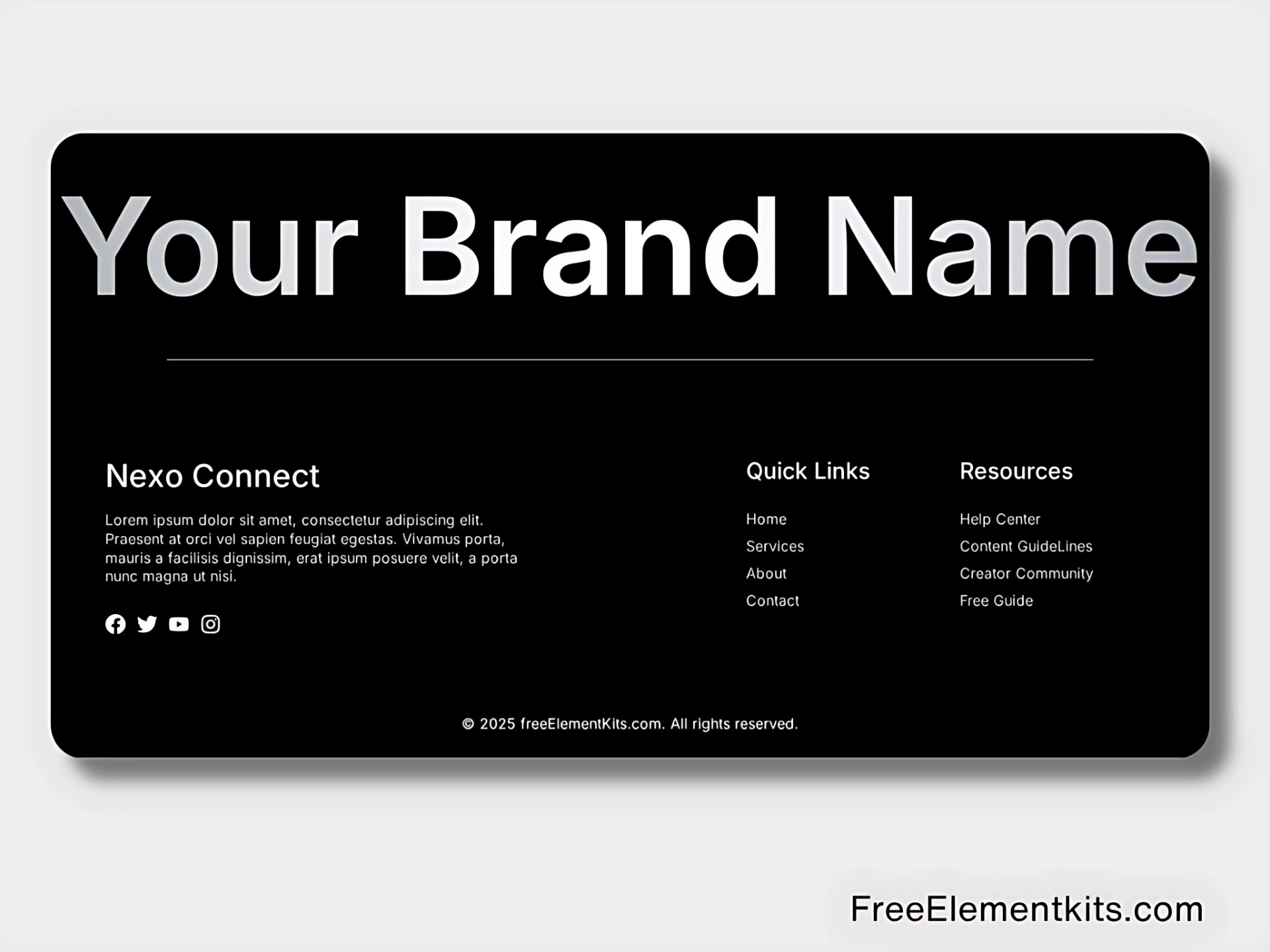
Free Elementor Dark Footer Template for WordPress – Clean, Modern & Fully Responsive
Looking for a sleek, dark-themed footer to enhance your WordPress site? This free Elementor footer template features a bold, modern design that’s perfect for portfolios, business sites, blogs, and more. Built with clean layout blocks and subtle styling, it gives your site a professional finish without needing any custom code.
Fully responsive and easy to customize, this footer template works seamlessly with the free version of Elementor. Whether you’re creating a new site or refreshing an existing one, it’s a solid starting point to upgrade your layout instantly.
How to Use This Footer Section
Step 1: Get the Template
Click the “Get the Template” button to save the .json file to your device.
Step 2: Import into Elementor
Open any page or your global footer with Elementor.
Click the folder icon → Choose “Import Template” → Select the file → Click “Insert” to add it to your layout.
Step 3: Customize Your Footer
Edit links, social icons, colors, and content to match your brand style.
The layout is fully mobile-friendly and works beautifully on all screen sizes.